iOS app by Viovenia
Your storage. Your app.
WebDAV Browser is the native iOS client for your own storage: connect any WebDAV server, browse and search your files, stream photos and videos directly – with nothing ever passing through a third-party cloud.
For iPhone and iPad · iOS 26 or later · free download
Works with
- Hetzner Storage Box
- ownCloud

- QNAP
- MagentaCLOUD


- pCloud
All trademarks and logos are the property of their respective owners; their mention solely indicates compatibility – no partnership or endorsement is implied. The “Synology” logo are trademarks of Synology, Inc., registered in the Republic of China (Taiwan) and other regions.
Stream · Find · Back up - Three things most WebDAV apps can’t do
Try them yourself – every single one is included in the free version, no strings attached.
Videos play straight from your server – no full download, no waiting. With Picture-in-Picture, playback speed, autoplay, resume positions and SRT subtitles. If a server can’t handle streaming, a custom fallback takes over – invisible to you.
Privacy - Privacy is architecture here, not a feature
WebDAV Browser has no first-party servers and no tracking SDKs. Your data talks to your server – and to no one else.
Passwords live only in the iCloud Keychain
Credentials are stored exclusively in the Keychain – never in the database, never in logs.
OCR and search run entirely on-device
The search index and text recognition are fully local. Nothing leaves your device.
Certificate pinning that raises an alarm
Self-signed certificates (typical for NAS setups) are secured via trust-on-first-use with SHA-256 pinning. If the certificate ever changes, the app alerts you.
Face ID lock with a privacy cover
Lock the app with Face ID – optionally even per server connection.
All features - And everything else is included too
WebDAV Browser wants to feel like an app Apple could have shipped – down to the details.
Offline that just works
Pin files and keep browsing entire folder trees without a connection. Cellular data-saver mode included.
Photo gallery
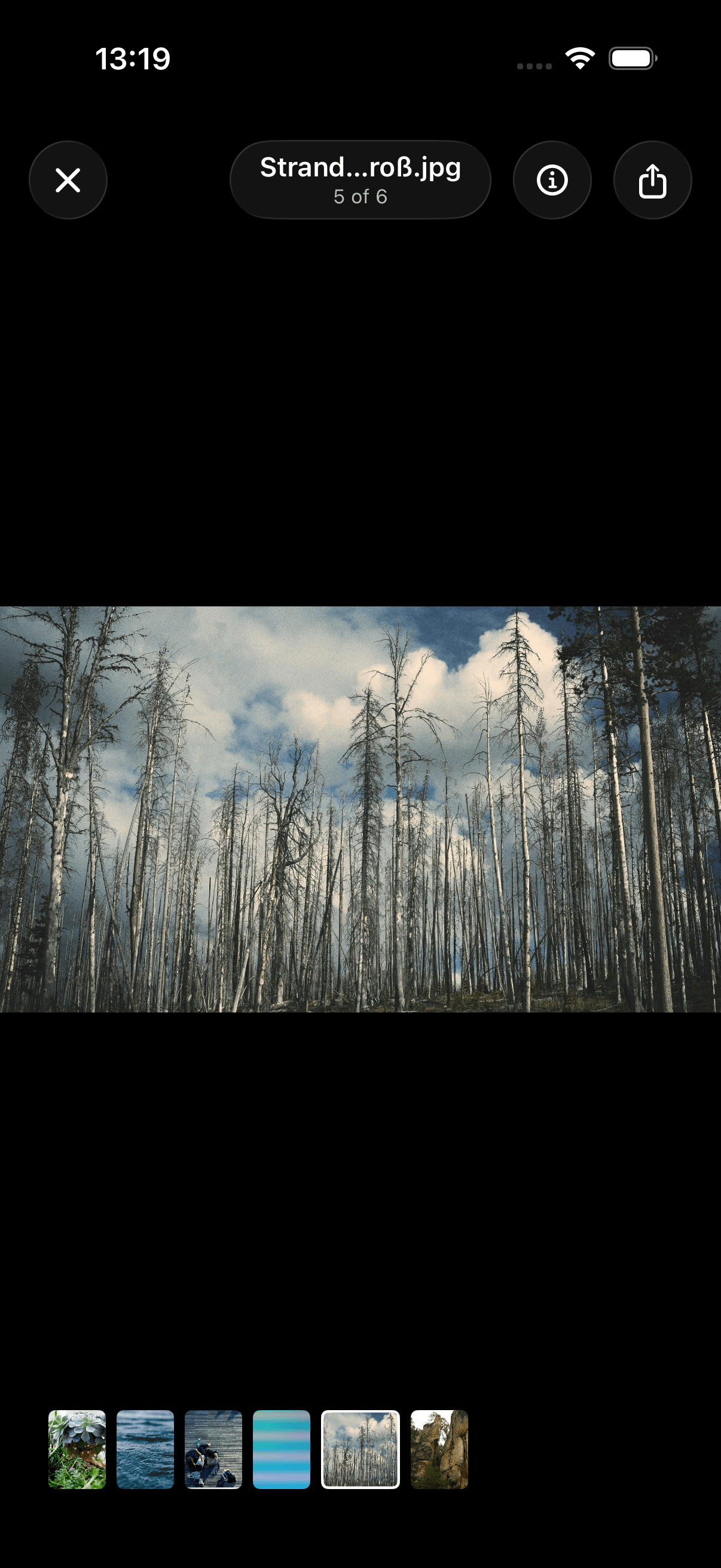
Paging, pinch zoom, filmstrip, progressive loading – thumbnails fetch only image headers instead of whole files.
Documents & Office
PDF, Office and more in a QuickLook viewer with download progress.
Multiple servers, one home
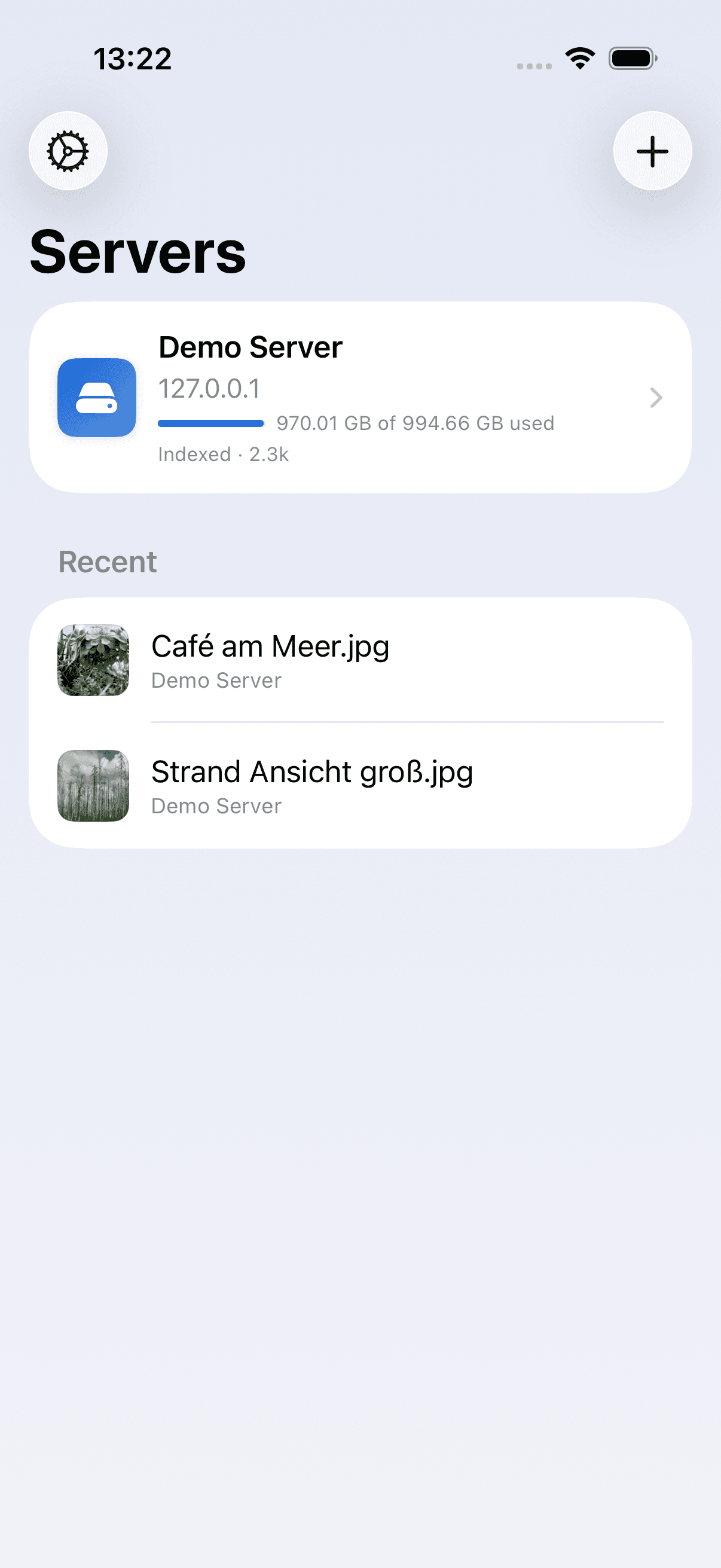
A home screen with storage quota, favorites, recent files and per-server index status. 9 provider presets for quick setup.
Sync across your devices
Connections travel to iPhone and iPad via CloudKit – passwords stay safe in the iCloud Keychain.
Live Activity in the Dynamic Island
Index progress runs as a Live Activity right on your lock screen – ETA included.
iPad with split view
A real iPad layout with sidebar instead of a scaled-up iPhone view.
Complete file management
Rename, move, copy, delete, multi-select with batch actions, new folders, uploads.
In your language
Available in up to 14 languages, with dark mode, Dynamic Type and reduce-motion support.
Pricing - Honest model: free really means free
The free tier is the real full version with one server connection. The yearly subscription unlocks unlimited connections – nothing else, because nothing else is locked.
Free
- 1 server connection
- Every feature, no exceptions
- Streaming, search, OCR, offline
- Camera backup, scanner, share extension
Premium (yearly)
- Unlimited server connections
- Otherwise the exact same app
- Existing connections keep working even after the subscription ends
The limit only applies when adding another connection. Not a single feature is locked.
FAQ
What is WebDAV, anyway?
WebDAV is an open standard for accessing file servers over HTTPS. Many storage providers speak it out of the box: Hetzner Storage Boxes, Nextcloud, ownCloud, Synology and QNAP NAS devices, MagentaCLOUD, HiDrive, pCloud or Koofr. WebDAV Browser connects directly to your server – no middleman service.
Does it work with my NAS?
Very likely yes: any server that speaks WebDAV works – and there are ready-made presets with setup hints for Synology and QNAP. Self-signed certificates are fine too; they are pinned securely via trust-on-first-use.
What happens when my subscription ends?
All existing connections keep working forever – with the full feature set. The free-tier limit only applies when you want to add another connection.
Where are my passwords stored?
Exclusively in Apple’s iCloud Keychain – never in the app database, never in logs, never on third-party servers. Viovenia runs no servers for this app.
Why does it require iOS 26?
The app is built entirely in SwiftUI with the current Liquid Glass design and uses modern system features like Live Activities. That keeps it lean and makes it feel like part of the system.
Get WebDAV Browser on your iPhone
Scan the QR code with your camera or download the app straight from the App Store. Free, with the full feature set.

Scan the QR code to get the app