Legacy system replacement
Replace legacy software.
One area at a time.
The old application still runs, but nobody dares to change it, updates have stopped or only one person knows the code. We replace it one area at a time while the rest keeps running until its turn comes.
Briefly describe your task. The first conversation is free and non-binding.
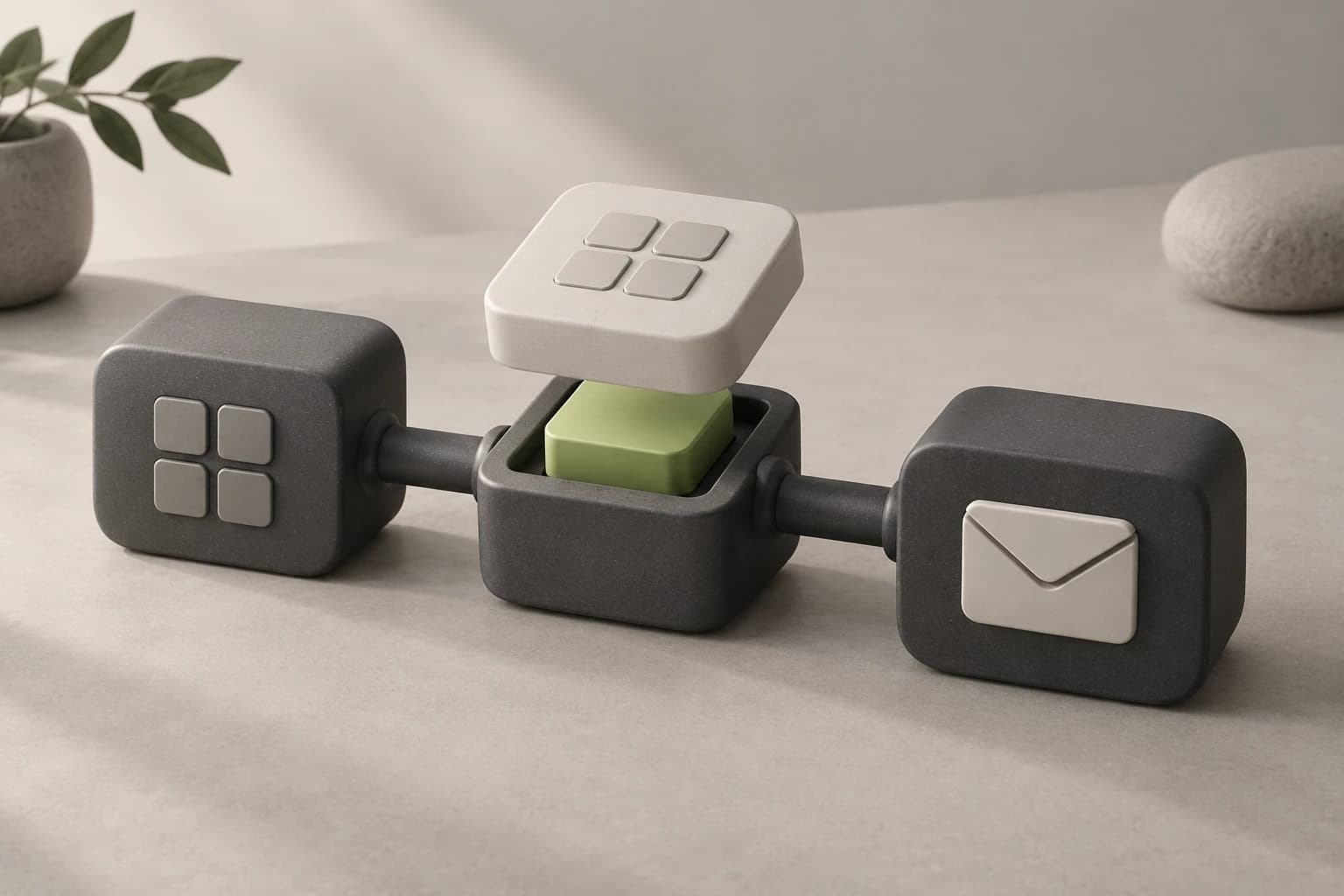
One component gets replaced, the rest keeps running.
Concept illustration- Review
- Replace an area
- Move on
Your business keeps working.
Old and new run side by side for a while. If a step runs into trouble, one area is affected rather than the whole company.
Data moves over checked.
Together we decide what comes along, what gets cleaned up and what goes into an archive. A test run and reconciliation show whether everything arrived.
You decide again after every stage.
Each replaced area is usable by itself. You see the benefit before you commission the next stage.
For example
One area moves, the rest keeps running.
Take an in-house application with customers, orders and invoices. If order entry causes the most trouble, we rebuild exactly that and connect it to the existing data. Customers and invoices stay in the old system for now. Once the new area runs reliably, the next one follows.
- Which feature causes the most trouble today?
- Which data do old and new have to share?
Your task
What makes your legacy system difficult right now?
How we can help
Understand it before anything gets switched off.
We look at the code, the database and actual usage and record which features are really needed. That gives us the order for the replacement.
Access or screenshots help, along with who works with it today.
Ask about this taskYour selection is included in the contact form. The first conversation is free and non-binding.
How we replace a legacy system.
A single cutover date for everything is the biggest risk, so we split up the work.
Review what exists
We work out which features are used, where the data lives and which special cases only certain people know about.
Replace the first area
The part with the highest risk gets rebuilt and connected to the old system. While both run side by side, you can still go back.
Keep moving, then switch off
Area by area follows until the old system is no longer needed. The old data stays available as a readable archive.
After each stage, you know what has moved, what is left and what the next step costs.
Know what you are commissioning.
We estimate each stage separately. The cost rarely comes from new screens. It comes from undocumented special cases, integrations and the state of the data.
View pricing guidance
First area
One area gets rebuilt and connected to the old system.
from €3,900excl. VAT
Full replacement
Several modules, roles and integrations within an agreed scope.
from €11,900excl. VAT
Additional integration
A connection to another system, such as your ERP.
from €1,900excl. VAT
Starting prices for an agreed scope. You receive an individual estimate before commissioning work.
Open the price configuratorWhen should you replace legacy software?
Age alone is not a reason. You can check these points without being a developer:
- The runtime, such as PHP, .NET, Java or Windows Server, no longer gets security updates.
- Reports never quite add up because the database has no reliable structure.
- Only one person still understands the system.
- The only way to get data out is an Excel export.
- New workflows fail because of what the software can do.
If hardly any of this applies, we would recommend targeted maintenance over a replacement.
Replace it step by step or all at once?
In a big bang, everything is rebuilt in the background and switched over on one date. If something goes wrong, your operations stop.
With the step-by-step approach, known as the strangler pattern, the new system grows around the old one. One area after another switches over until the old system can be turned off. The risk is spread across small steps, and you see first results within a few weeks.
A full switch can make sense if the system is small or the data cannot be shared. We work that out while reviewing what exists.
How does data migration from a legacy system work?
First we sort the data into three groups together: What daily work needs or what must be retained moves over. Duplicates and inconsistent formats get cleaned up. What nobody needs anymore goes into a readable archive.
Then we map the fields, migrate to a test environment and check samples. At the end, we compare counts and totals from before and after the migration.
Still wondering?
What does it cost to replace a legacy system?
A first bounded area starts from €3,900, a full replacement with several modules, roles and integrations from €11,900. An additional integration starts from €1,900. You get an estimate before each stage.
How long does replacing legacy software take?
The first area can be done in weeks, while fully replacing a system that has grown over years takes months. The most time goes into undocumented special cases and the availability of the people who know the workflow.
Do operations have to stop during the replacement?
No. The new part takes over a clearly bounded area while the rest keeps running. While old and new run side by side, you can switch back if needed.
What if there is no source code or documentation?
Then we work with what exists: the database, the screens and your team’s knowledge. It takes more time but does not rule out a replacement. We check up front whether the data can be reached.
Modernize or rebuild?
If the technology still gets updates and the code is understandable, gradual modernization is often enough. Rebuilding pays off for areas where every change has become a risk.
Which part of your legacy system causes the most trouble?
Briefly describe what the application does and who works with it. We will discuss whether maintenance is enough or where a replacement should begin.
In the free first conversation
We discuss your task, whether we can help and which information is needed to estimate the work. You decide about commissioning work separately.
Briefly describe your task. The first conversation is free and non-binding.