Spreadsheets to software
Replace Excel with software.
Keep your data and rules.
Several people, one file, three versions: When a spreadsheet carries an important workflow, every change gets risky. We turn it into an application with your fields, rules and permissions and bring your existing data along.
Briefly describe your task. The first conversation is free and non-binding.
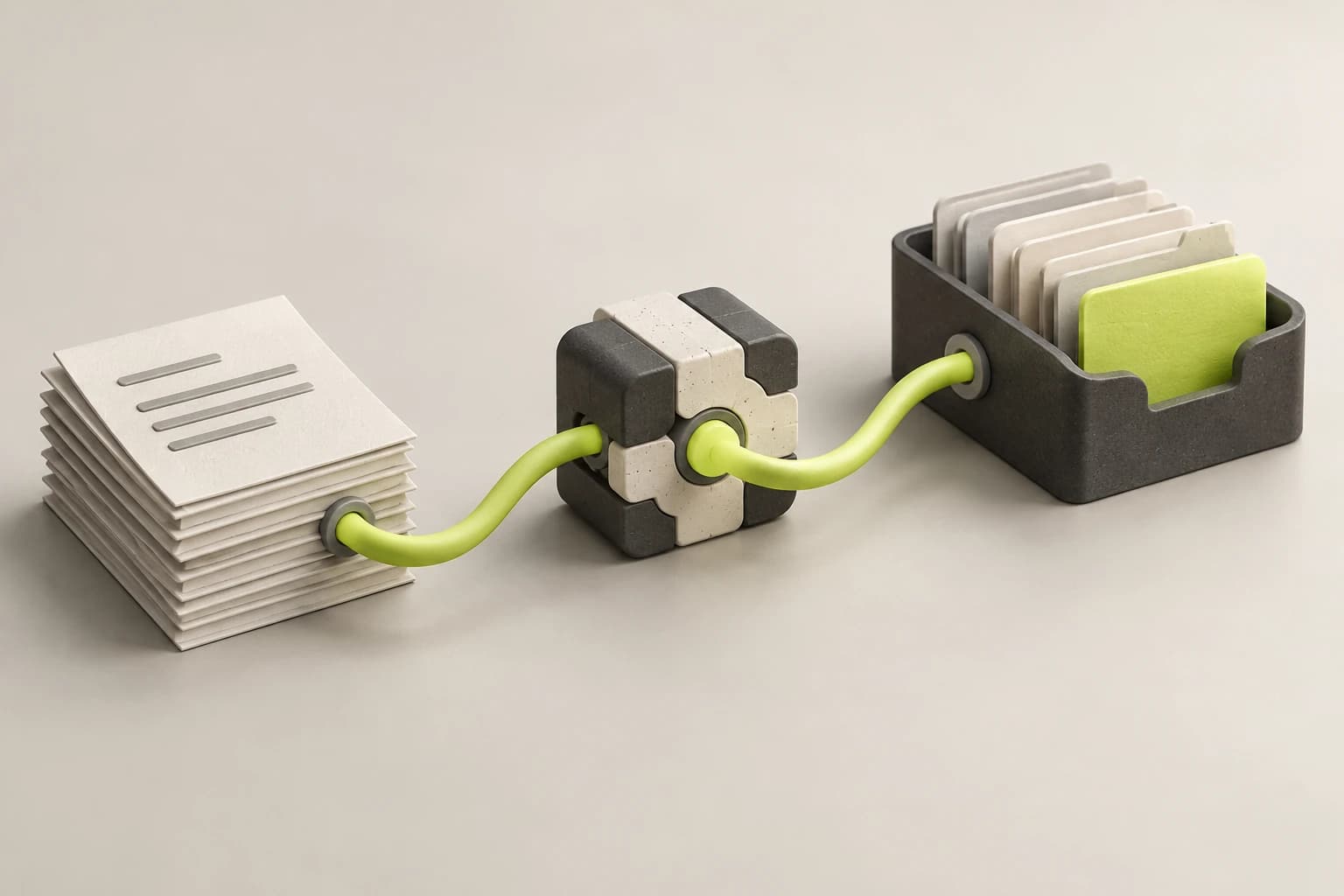
The spreadsheet becomes an application.
Concept illustration- Import data
- Set rules
- Work together
Everyone works from the same data.
Several people can work at once, with no locked files or copies going around by email. If you want, you can see who changed what.
Entries are checked before they are saved.
Required fields, dropdowns and rules catch typos early. Roles set who can see and change which data.
Excel stays where it is good.
You can still export data for reports and quick calculations. Only the day-to-day work moves into the application.
For example
An order list shared by three departments.
Sales enters orders, production sets the status and accounting needs the closing data. In the application, each department gets the view it needs. What is a row marked yellow today becomes a status you can filter and report on.
- Which columns have to be filled in for every order?
- Which colors and comments carry a meaning that is written down nowhere?
Your task
What does your team use the spreadsheet for today?
How we can help
From intake to completion in one place.
Orders get a status, an owner and required fields. Your team sees what is open without opening a file or asking around.
To start, the column names and two anonymized sample rows are enough.
Ask about this taskYour selection is included in the contact form. The first conversation is free and non-binding.
How the move from Excel to software works.
There is no single date when everything has to work at once.
Look at the workflow
Your team shows us how they work with the file, and we review the real data. That way we also see the steps nobody ever wrote down.
Build the first workflow
We build the part that takes the most time and bring in its data. Your team tests with real records.
Compare and switch over
Both ways run side by side for a while. Once the results match, the file gets archived and the next workflow can follow.
After every step, you decide whether and how to continue.
Know what you are commissioning.
We estimate the first workflow and the data import separately. The main cost drivers are the number of roles, integrations with other systems and the state of your spreadsheet.
View pricing guidance
First workflow
One bounded workflow as an application your team tests with real records.
from €3,900excl. VAT
Excel data import
Review, clean up and import your existing data.
from €690excl. VAT
Broader solution
Several modules, roles and reports within an agreed scope.
from €11,900excl. VAT
Starting prices for an agreed scope. You receive an individual estimate before commissioning work.
Open the price configuratorWhen is it worth replacing Excel with software?
Excel is a good tool for calculations. It gets difficult when a file acts as the database or order management for several people. Typical signs:
- There is one file nobody wants to touch.
- Nobody is sure which version is current.
- The file is locked, copied or sent around by email.
- The same data is maintained in several places.
- Only one person still understands the formulas and macros.
What happens to your existing Excel data?
Your data stays, but it changes shape: Sheets become database tables, a VLOOKUP becomes a real link and copied formulas become one rule in one place.
Before the import, we clean up what tends to build up in older spreadsheets:
- dates stored as text or in mixed formats
- numbers like “12 pcs” or “approx. 40”
- lost leading zeros in item numbers and ZIP codes
- several pieces of information in one column
- duplicates with slightly different spellings
- colors and comments that carry a business meaning
Replace Excel or introduce an ERP?
An ERP fits when purchasing, inventory, orders, invoicing and accounting are connected and your business can adopt the standard workflows.
A custom application fits when one workflow is the bottleneck, or when that workflow is what sets you apart.
You can combine both: Master data stays in the ERP, and the special workflow runs in its own application connected through an integration.
Still wondering?
What does it cost to replace Excel with custom software?
A first bounded workflow starts from €3,900, importing existing Excel data from €690. A solution with several modules, roles and reports starts from €11,900. You get an estimate for your scope before commissioning work.
How long does it take to move from Excel to software?
A first bounded workflow can be done in weeks. How long yours takes depends on the state of the data, integrations and when your team has time to test.
Do we have to replace all our spreadsheets at once?
No. We start with the workflow that takes the most time. Other spreadsheets keep running until replacing them pays off.
Can we keep using Excel afterward?
Yes. Excel still makes sense for reports and quick calculations, and you can export the data from the application for that.
Aren’t SharePoint, Power Apps or no-code tools enough?
For simple lists and forms, they can be. Custom development pays off when rules, roles or integrations go beyond that. We can work that out in the first conversation.
Do we get the source code?
You get the source code, the necessary access and documentation for running it. You can export your data at any time.
Which spreadsheet costs your team the most time?
Briefly describe what you use it for and who works with it. We will discuss whether a custom application pays off or whether the spreadsheet is fine for now.
In the free first conversation
We discuss your task, whether we can help and which information is needed to estimate the work. You decide about commissioning work separately.
Briefly describe your task. The first conversation is free and non-binding.