App Store screenshots in every language,
made on your Mac
Pitching Set is a native Mac app for App Store images. You pick a template, drop in your screenshots and adapt the set for each device and language. The app checks every image before you export it at full size.
Coming soon to the Mac App Store Free download.Free download, coming soon to the Mac App Store. No account. No tracking in the app. No watermark.
Palette Plum
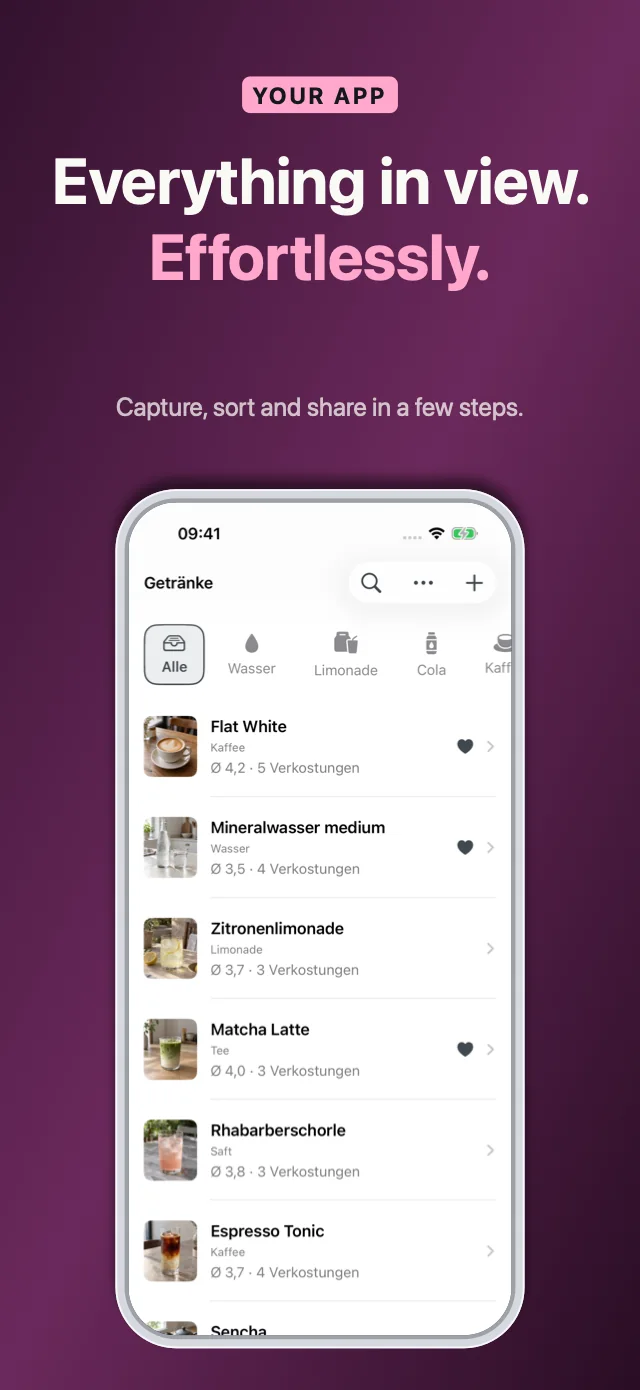
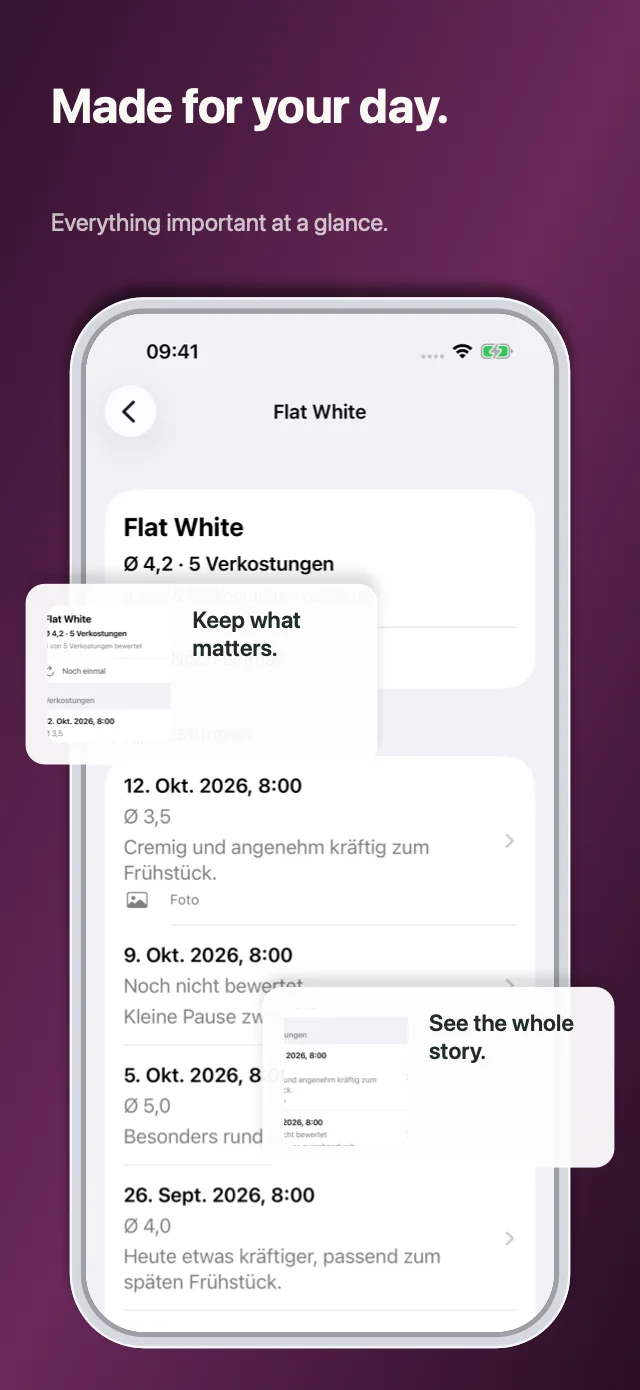
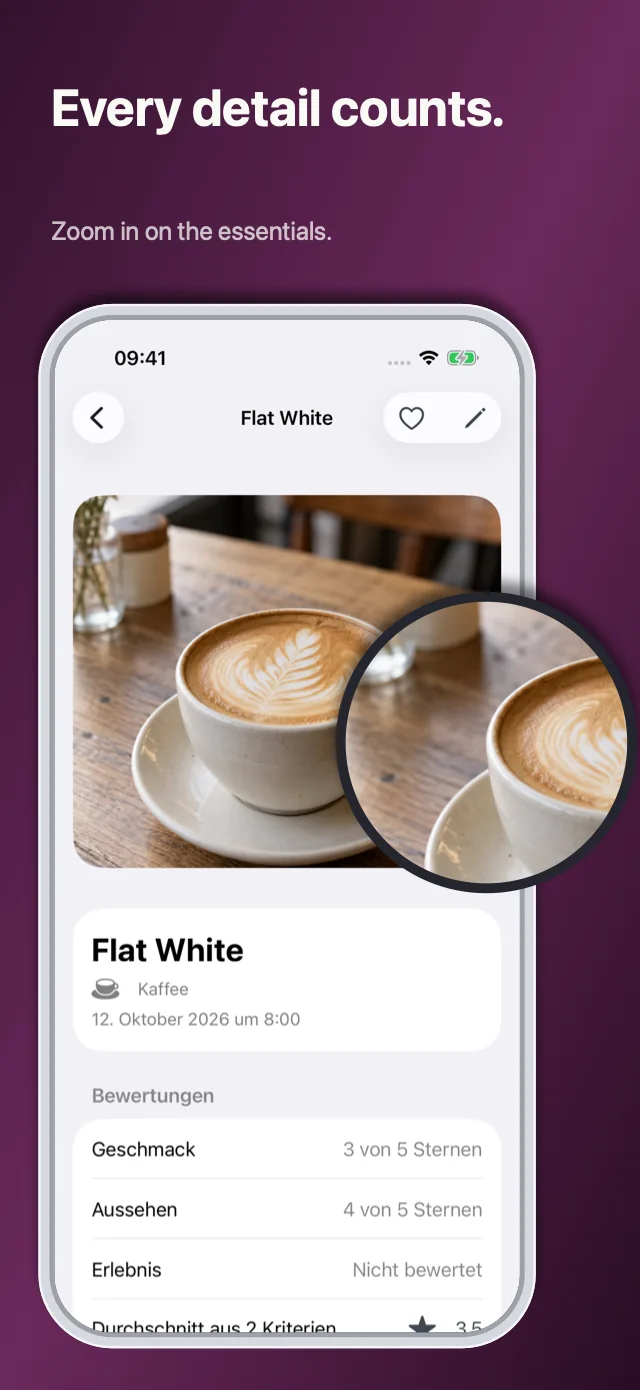
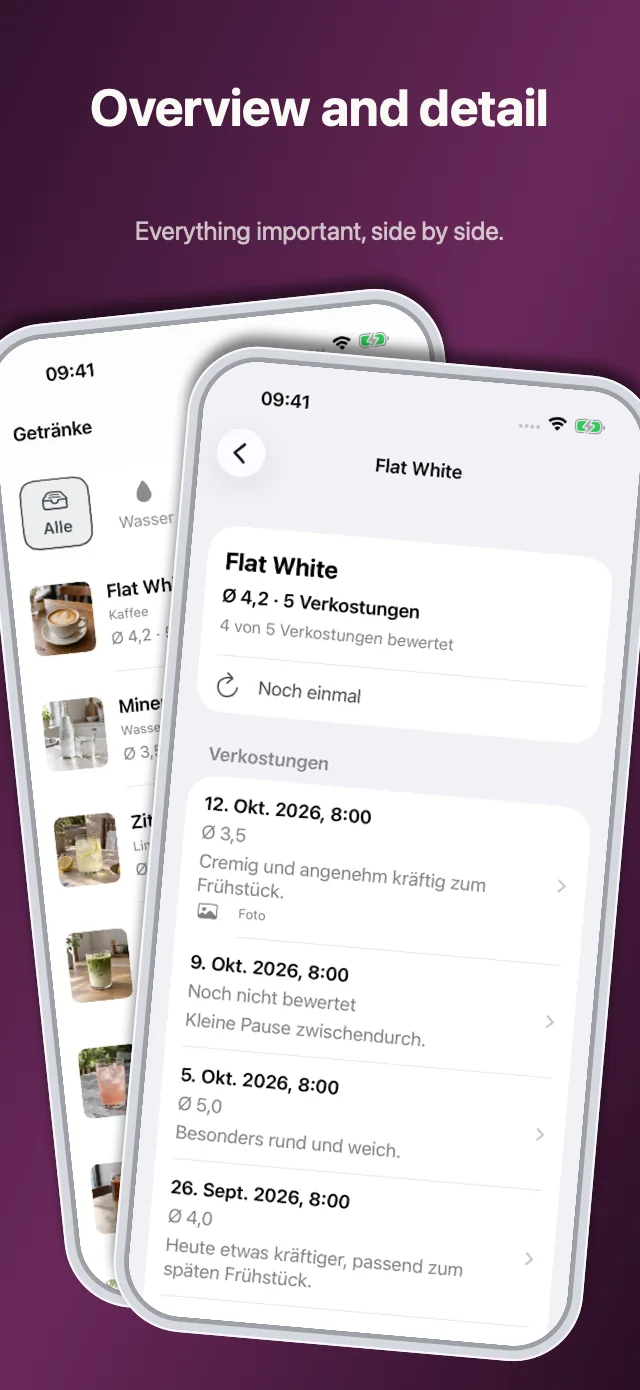
What Pitching Set does
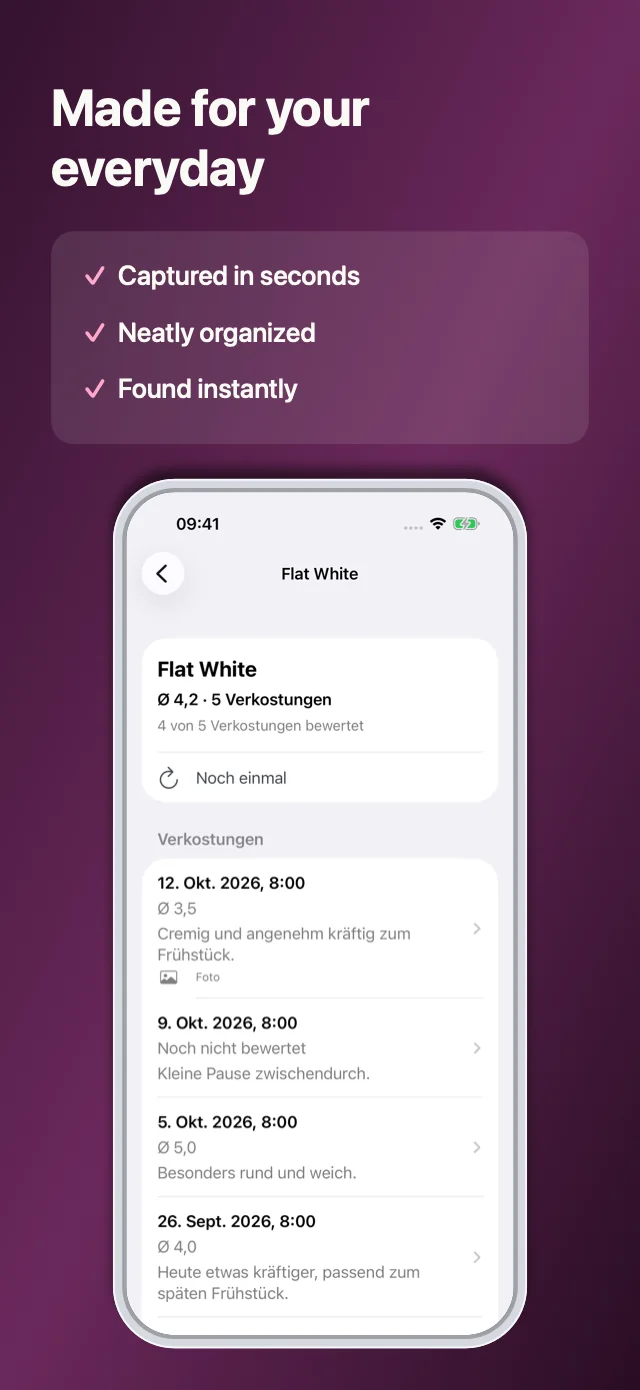
Pitching Set is an App Store screenshot generator that leaves the design to you. You compose the images. The app sets the pixel sizes, keeps your languages in one table and shows what's missing or doesn't fit before you export. One project holds your screenshots for iPhone, iPad, Mac, Apple Watch, Apple TV and Apple Vision Pro, along with panoramas, header, search result and In-App Event images, app previews, promo videos, product page text and launch graphics.
- Platform
- Mac
- Output
- full-size PNG files, one folder per language and format
- Interface
- 14 languages
- Price
- free download
- Account
- none
- Made by
- Viovenia UG (haftungsbeschränkt)
From your app to finished screenshots in five steps
Add your app
Create your app in the sidebar with New App, then click New Project.
Pick a template
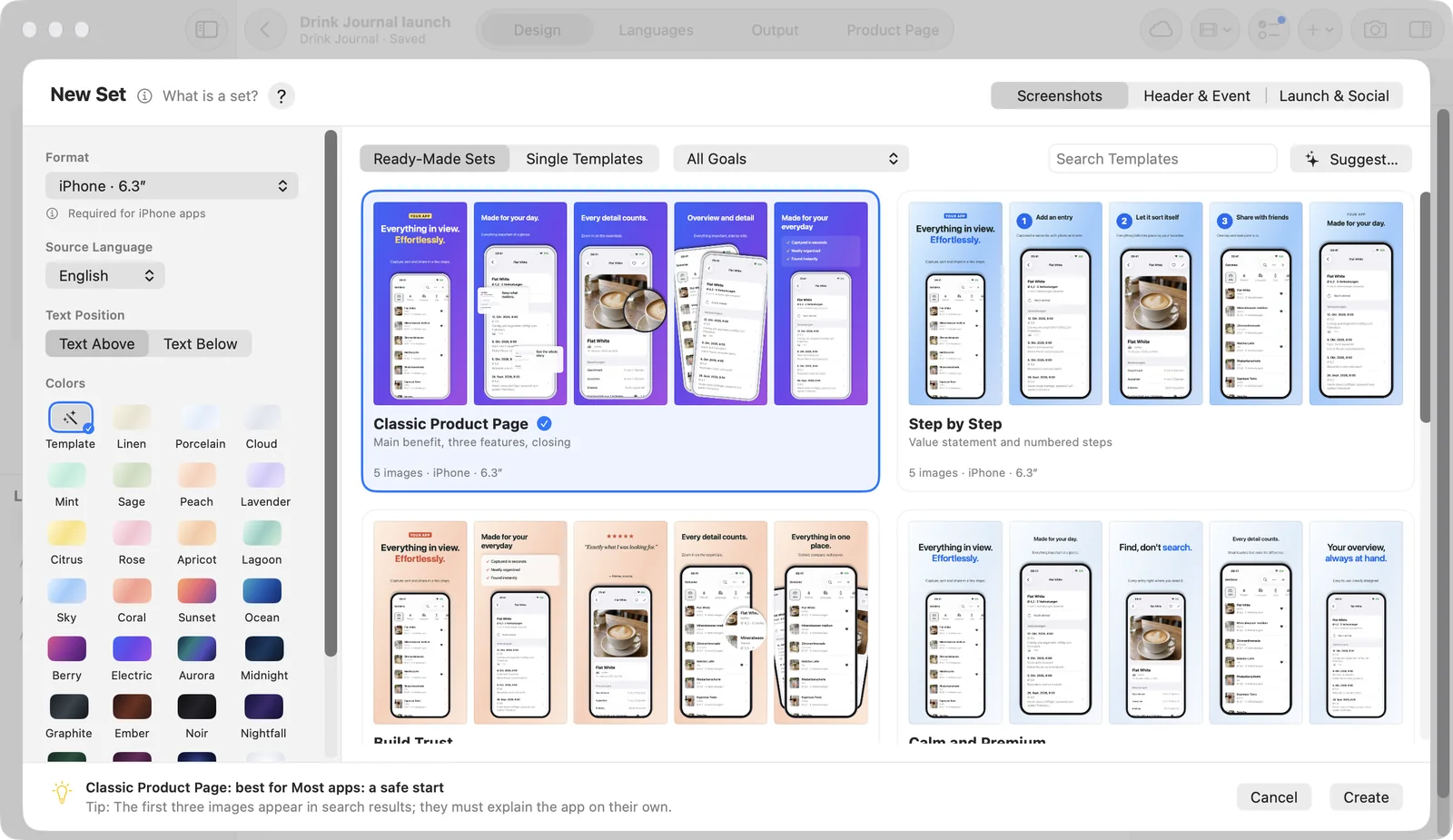
Choose a ready-made set or a single template, then set the format, the source language and the colors.
Add your screenshots
Drag your captures from the Finder onto the image areas. Several at once open Assign Screenshots: Pitching Set proposes the empty areas in name order, and you confirm.
Add languages
Switch to Languages with ⌘2. The table shows what's missing and what doesn't fit. Adding and checking languages is free. To export them and use Apple Translation, you need Pro.
Check and export
Switch to Output with ⌘3, fix what it lists and click Export… to save your PNG files.
Templates for your App Store screenshots
A template gives you the layout, so you start by adding your screenshots and text. Pitching Set comes with 7 ready-made sets and 27 palettes, and you can build your own palette from a screenshot or your app icon.
The free version includes 9 screenshot templates and 2 ready-made sets. Pro unlocks the rest.
Localize App Store screenshots in one table
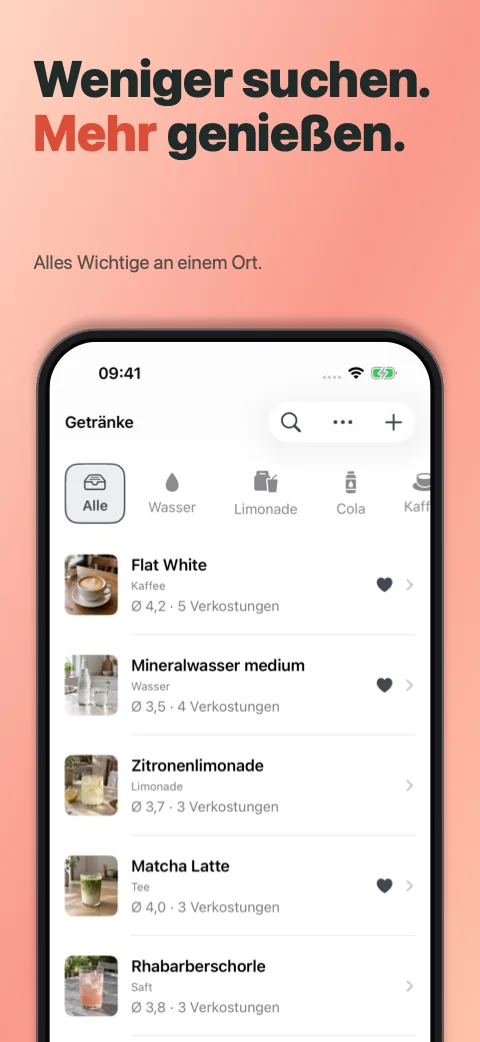
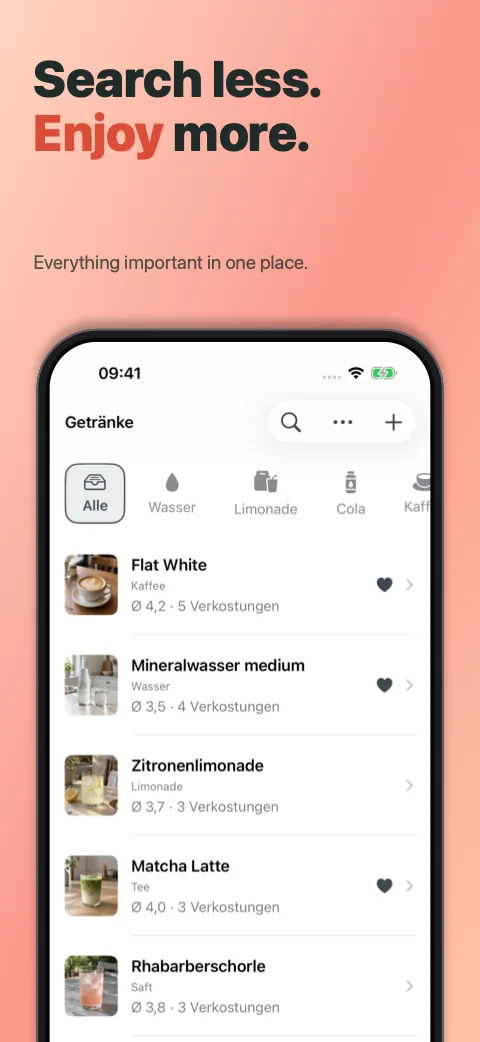
Text can be shared across a set or changed for one device, one language or a single image. Long headlines shrink to fit, and languages like Arabic run right to left.
The Languages table shows what's missing, what doesn't fit and what you may want to review. The free version exports the language your set was made in. Pro exports every App Store language.
With Pro, Apple Translation fills in missing text on your Mac, and on Macs with Apple Intelligence, Pitching Set suggests wording on the device.
 Deutsch
 English
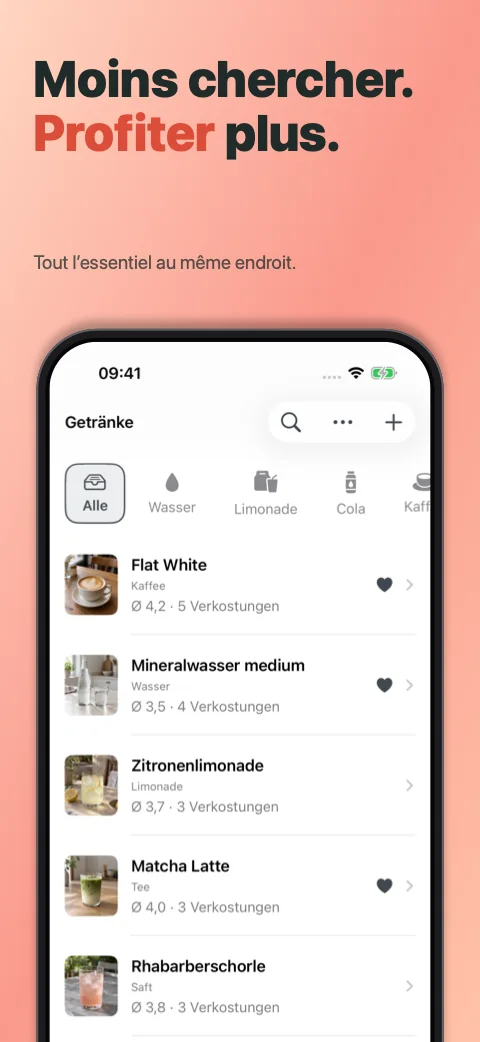 Français
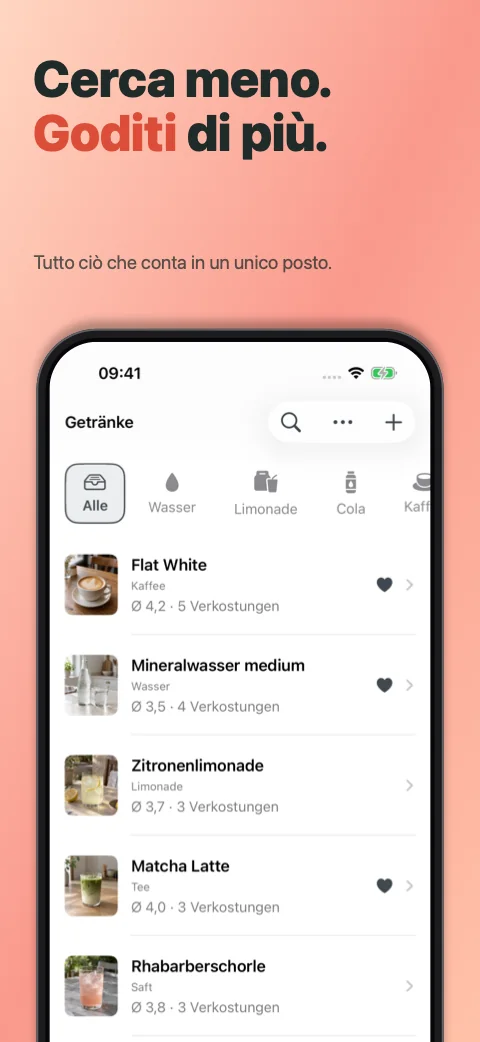 Italiano
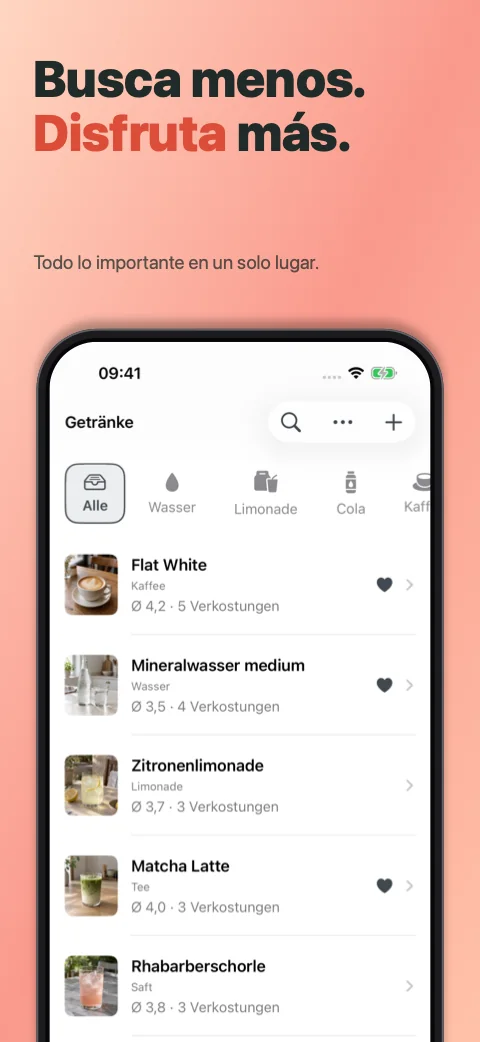 Español
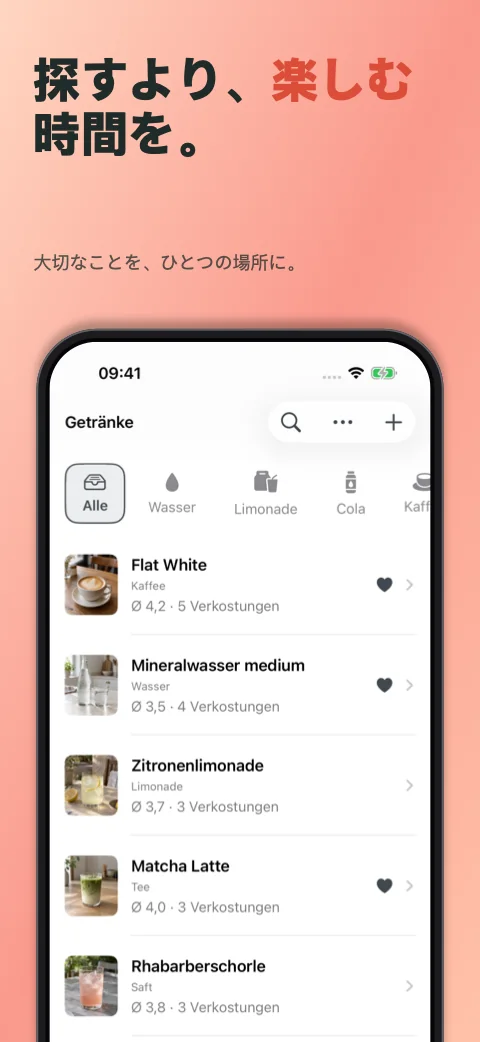 日本語
Check every image before you export
Before you export, Pitching Set points out missing images and translations, text that doesn't fit, and content such as prices that Apple doesn't want in screenshots.
You get full-size PNG files, one folder per language and format, with no watermark.
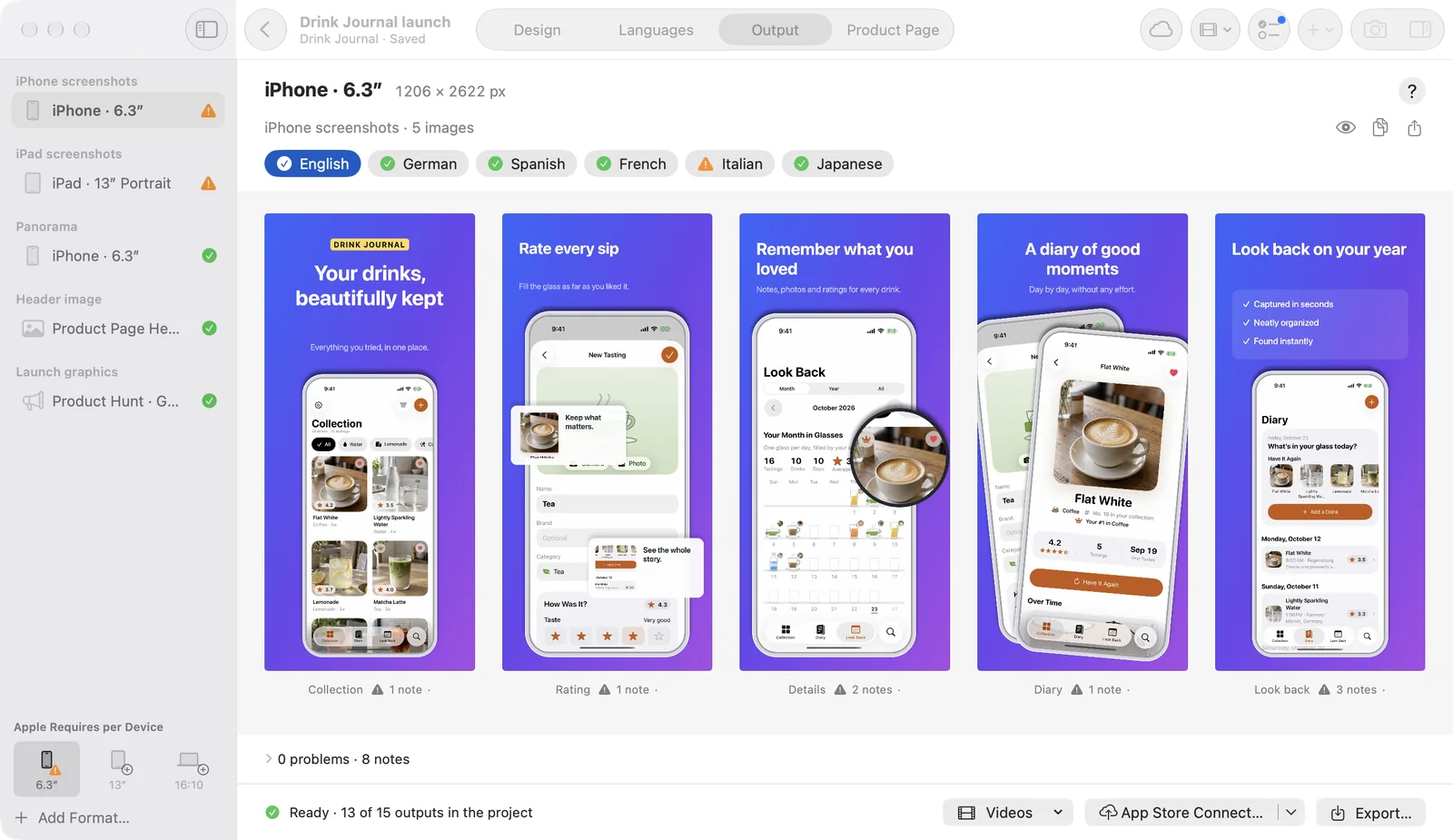
App Store screenshot sizes, already set up
Choose a format, and Pitching Set sets the exact pixel size. Add another format later and the set keeps its text and screenshots.
| Device or use | Format in the app | Pixels | Export |
|---|---|---|---|
| iPhone | 6.9″ | 1260 × 2736 | Free |
| iPhone | 6.3″ | 1206 × 2622 | Free |
| iPad | 13″ portrait and landscape | 2064 × 2752, 2752 × 2064 | Free |
| Mac | 16:10 | 2880 × 1800 | Free |
| iPhone | 6.5″, 5.5″ | 1284 × 2778, 1242 × 2208 | Pro |
| iPhone Duo | Outer and inner display | 1398 × 2034, 2007 × 2853 | Pro |
| Apple Watch | Ultra 4/3, Series 12/11/10, Series 9/8/7 | 422 × 514, 416 × 496, 396 × 484 | Pro |
| Apple TV | 4K | 3840 × 2160 | Pro |
| Apple Vision Pro | Apple Vision Pro | 3840 × 2160 | Pro |
Apple's requirements change, so compare them with Apple's screenshot specifications before you upload. Last checked: November 6, 2026.
Design right on the canvas
You get the tools you'd expect from a Mac design app: snap guides, a selection rectangle, ⌥-drag copies, copy and paste style, find and replace, and an Arrange menu. Every change to a project can be undone with ⌘Z.
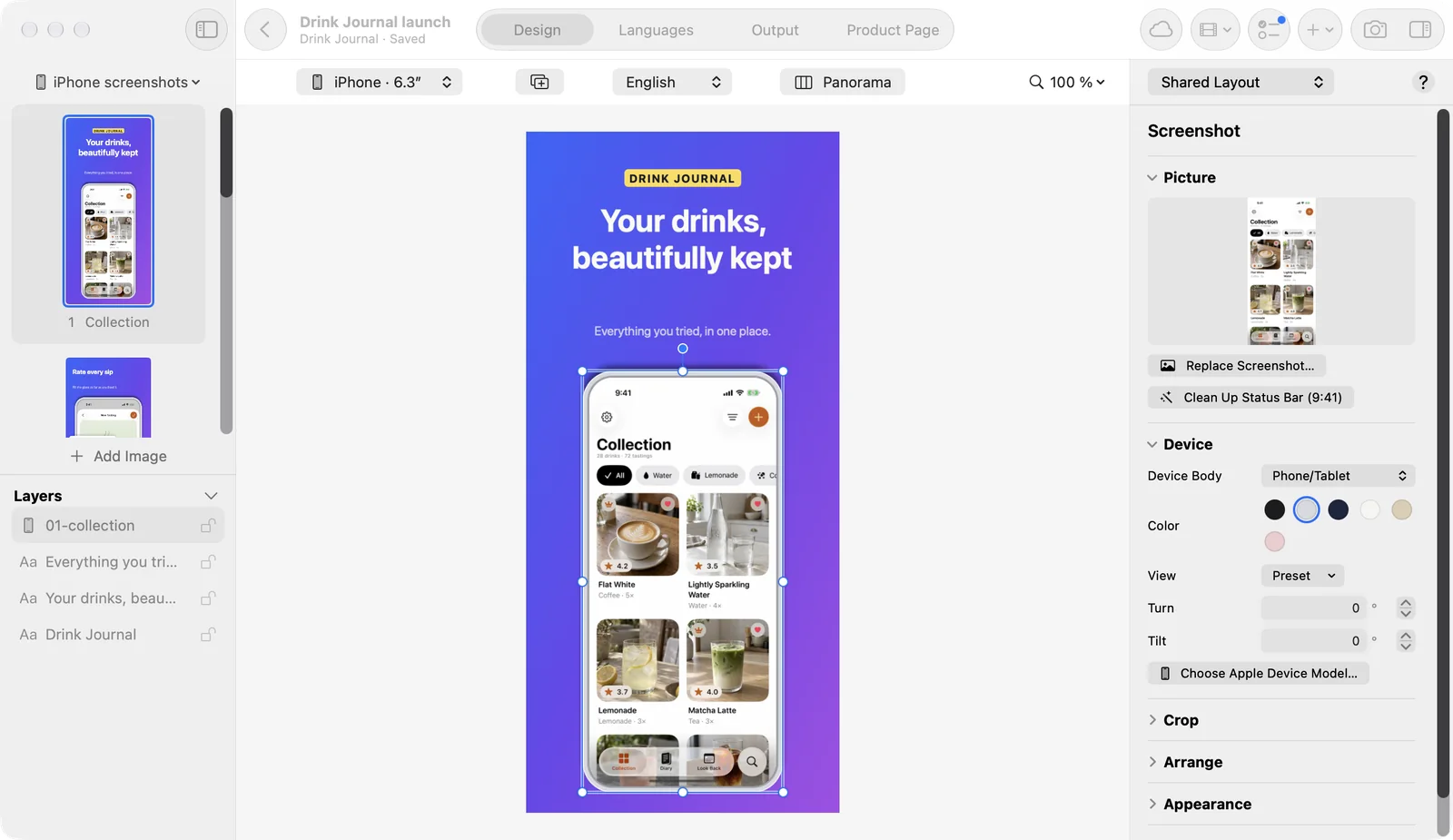
Device bodies drawn by the app
Pitching Set draws its own bodies for phone, tablet, notebook and smartwatch, in several colors. You can turn and tip the phone and tablet bodies in 3D.
Official device images aren't included. If you want them, the app downloads them from Apple's Design Resources and you accept Apple's license yourself. They always stay upright and unaltered, because Apple's rules ask for that.
Status bar at 9:41
For a portrait iPhone screenshot with a plain top edge, one click sets the status bar to 9:41.
Panoramas, header images and launch graphics
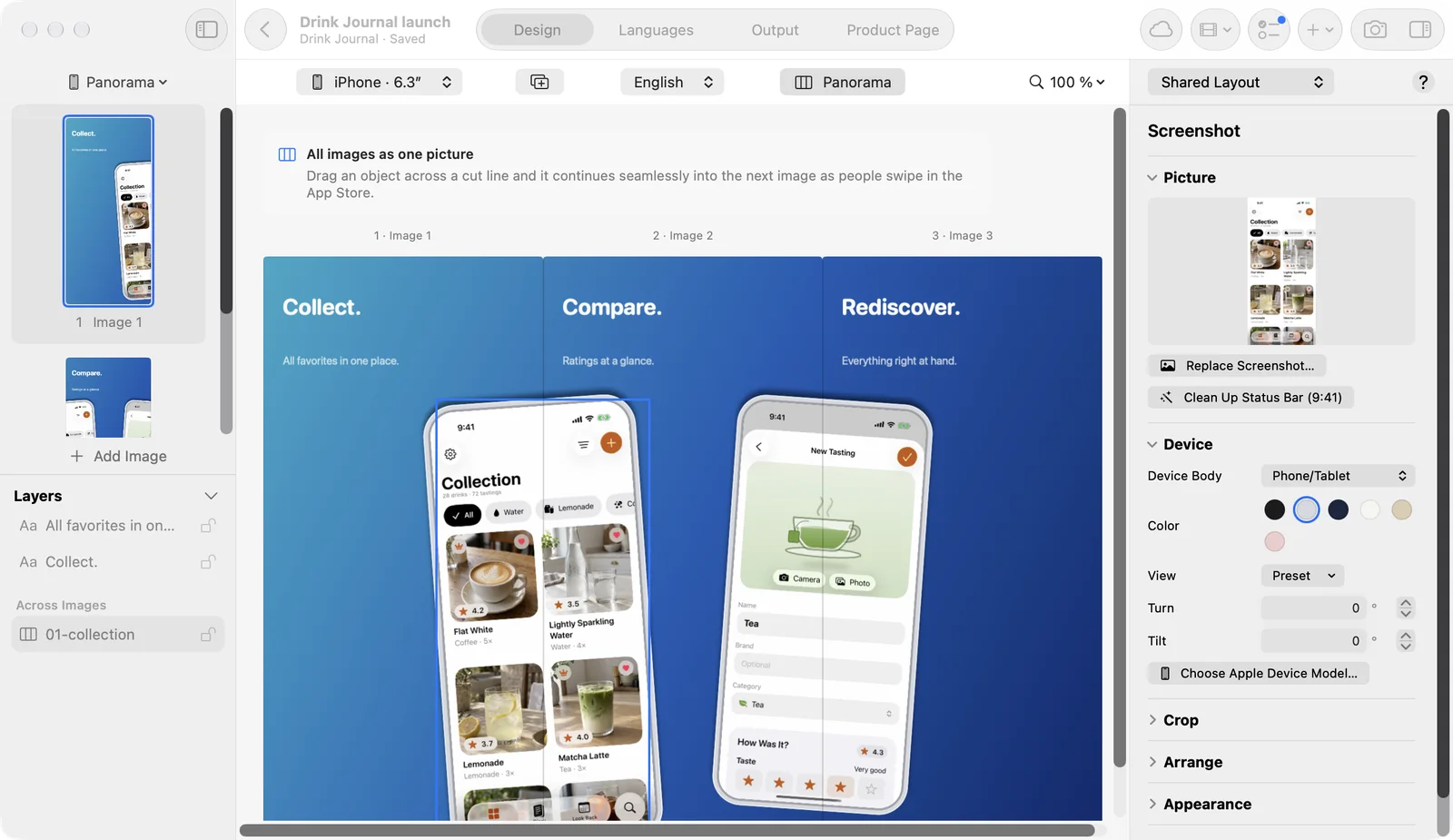
Panoramic App Store screenshots
Drag an object across a cut line and it continues on the next image as people swipe through your product page. Gradients can run across the whole set too. The Panorama view and running objects across images are free. The five panorama templates and the ready-made set Panorama Story need Pro.
Header, search result and In-App Event images
Design them next to your screenshots, in 21:9, 3:2 and 16:9 for the product page and search, and as card and details for events. Designing is free. Exporting these formats comes with Pro.
Launch graphics
Gallery images and a logo for Product Hunt, a link preview and images for social networks come from the same project. Here too, designing is free and exporting comes with Pro.
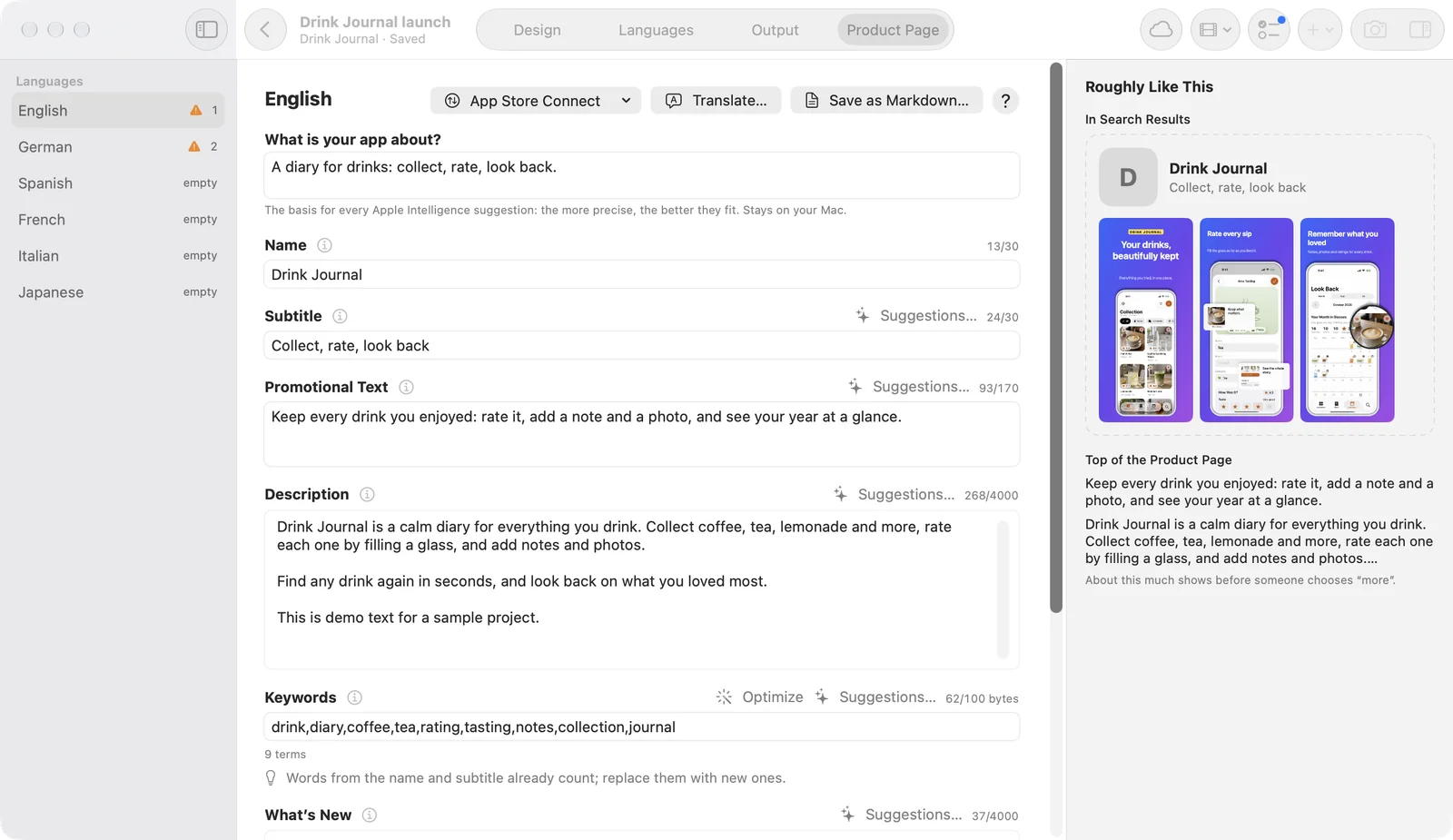
Write product page text and check its length
Every text field for each language and platform sits in one view. The view also shows Apple's length limits, notes on Apple's metadata rules, a keyword helper and a search preview. All of this is included in the free version.
Apple Intelligence, Apple Translation and MCP
Three Pro features take writing and translation work off your plate. Two of them run on Apple's technology on your Mac; the third connects the app to the AI client you already use.
Text suggestions with Apple Intelligence
In the editor, Apple Intelligence writes five versions of the selected text; on the product page, suggestions for subtitle, promotional text, keywords, What's New and description. That needs a Mac with Apple Intelligence turned on.
Translation with Apple Translation
Apple Translation fills in missing screenshot text and your product page texts in your other languages. macOS downloads the language packs, and the translation runs on your Mac.
AI connection over MCP
You connect Claude, Cursor, Codex or any other MCP client to Pitching Set. The client reads a project once you share it, prepares changes as a plan, can show you a preview and measure how texts fit, and only then applies it. Every applied plan is its own undo step. The helper in the app bundle has no network access; whether your client sends text to an external model depends on its own configuration.
App previews and promo videos
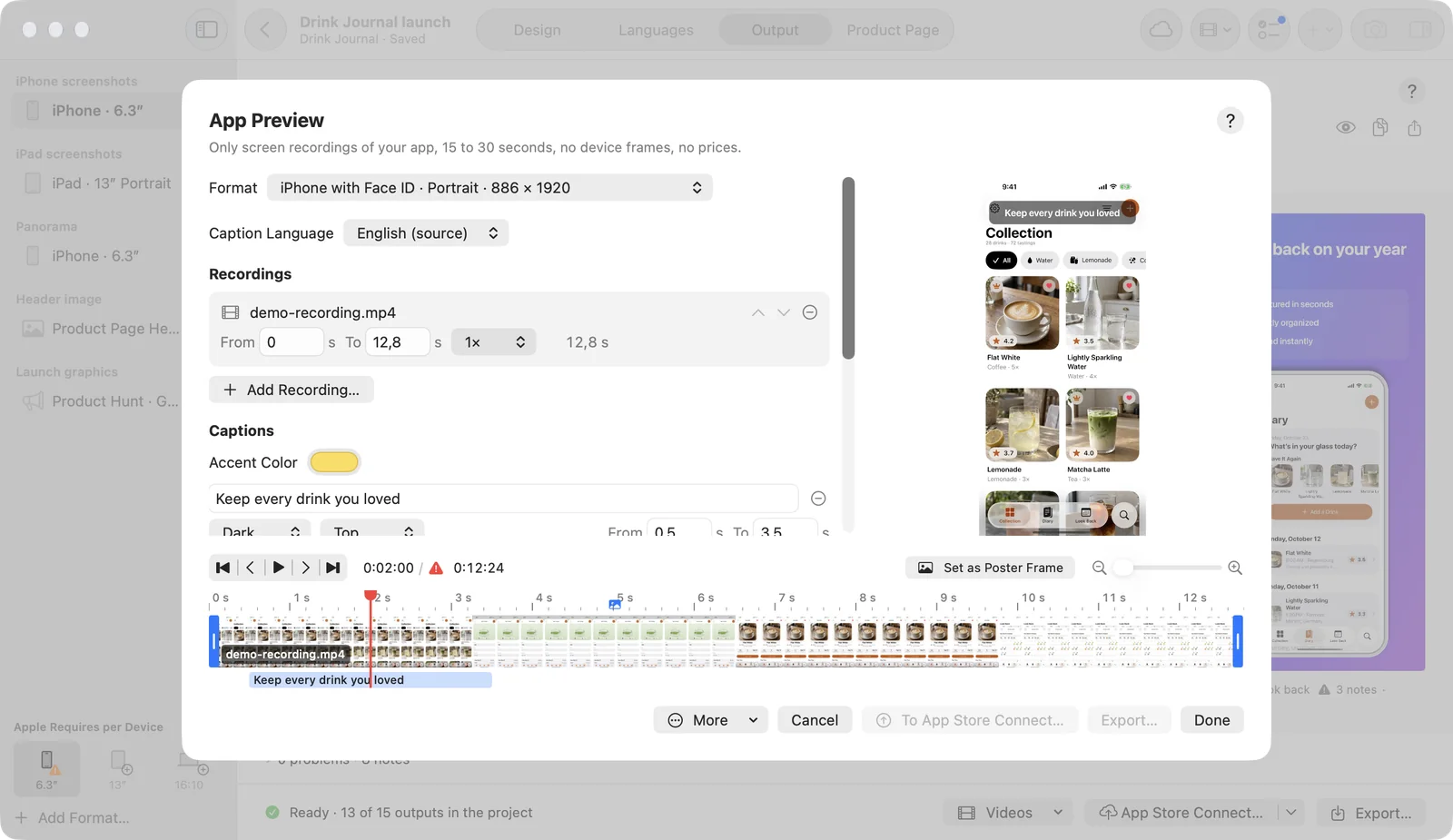
With Pro, you create app previews from your own screen recordings, with a timeline, captions per language, tap indicators and music. Apple accepts only captures of the app itself here, so the editor reminds you of the rules as you work.
Promo videos come from your sets, in 16:9, 1:1, 9:16 and 4:5.
Your projects stay on your Mac
You don't need an account with us, we have no server for your work, and the app doesn't track you.
Pitching Set uses menus, keyboard shortcuts and named undo steps for changes to your project. Spotlight finds your projects. The interface comes in 14 languages.
What's free and what needs Pro
Pitching Set Pro
With the free version, you export a complete set in the required sizes, in the language you made it in, without a watermark.
- Every App Store languageExport languages
- All 27 formatsPNG export at full size
- App previews and promo videos
- All templatesTemplates

| Feature | Free | Pro |
|---|---|---|
| Design | ||
| Editor, device bodies and palettes | Included | Included |
| Templates | 9 screenshot templates | All templates |
| Ready-made sets | 2 sets | All 7 sets |
| Output | ||
| PNG export at full size | Required iPhone, iPad, Mac formats | All 27 formats |
| Export languages | The set's language | Every App Store language |
| Save and share projects | Included | Included |
| Texts | ||
| Product page texts with length check | Included | Included |
| Translate with Apple Translation | Not included | Included |
| Text suggestions with Apple Intelligence | Not included | On Macs with Apple Intelligence |
| For Developers | ||
| AI connection over MCP | Not included | Included |
| App previews and promo videos | Not included | Included |
The App Store shows the prices for your country before you buy.
Questions before you download
Is Pitching Set free?
Yes, for the required formats. You get the complete editor, all drawn device bodies, 9 screenshot templates, 2 ready-made sets, product page text and PNG export in the set's language, with no watermark. Everything else comes with Pitching Set Pro.
What happens to my work if I cancel Pro?
Your projects and exported images stay yours. Formats and languages beyond the free version are left out of the export until you subscribe again, and the export tells you which ones.
Do I need an account? Does my work go to a server?
You don't need an account with us, and we have no server for your work. Projects stay on your Mac, and the app doesn't track you. The app talks only to Apple: for purchases, language packs and downloads of device images.
Can Pitching Set translate my screenshots?
Yes, with Pro. Apple Translation translates missing text on your Mac. It needs Apple's language packs, and languages it doesn't support are skipped and named, so you can type those yourself.
Can I drive Pitching Set from Claude or Cursor?
Yes, with Pro. Pitching Set has a local MCP server. Claude, Cursor, Codex and other MCP clients read a project once you share it and change it only through plans you can undo. You set up the connection in Settings.
Are Apple's device frames included?
No. The app draws its own device bodies. If you want Apple's, it downloads them from Apple's Design Resources and you accept Apple's license yourself.
How do I make App Store screenshots on a Mac?
In Pitching Set, you create an app, pick a template, drag in your screenshots and adjust the text. Then you add languages if you need them, check the set under Output and export full-size PNG files.
How many screenshots does Apple require?
Apple asks for at least 1 and accepts up to 10 screenshots per device size, as JPEG or PNG. Source: Apple's screenshot specifications, checked November 6, 2026.
What size do App Store screenshots need to be?
Apple's list goes by device class. For an iPhone with a medium Dynamic Island display it includes 1206 × 2622 pixels, and for a 13-inch iPad, required if your app runs on iPad, 2064 × 2752 pixels. Apple's full list is the reference, checked November 6, 2026.
What size are Mac App Store screenshots?
Mac screenshots use a 16:10 aspect ratio, at 1280 × 800, 1440 × 900, 2560 × 1600 or 2880 × 1800 pixels. Pitching Set exports 2880 × 1800. Source: Apple's specifications, checked November 6, 2026.
Do I need separate screenshots for each language?
No, Apple doesn't require them, but you can upload different images per size and language. That's worth it when your screenshots show text. In Pitching Set, the free version exports the language your set was made in, and Pro exports every App Store language.
What's the difference between an app preview and a screenshot?
A screenshot is a still image. An app preview is a video of 15 to 30 seconds, and Apple accepts only screen captures of the app itself. Sources: App Review Guidelines 2.3.3 and 2.3.4 and Apple's app preview specifications, checked November 6, 2026. App previews in Pitching Set need Pro.
Try it with your own screenshots
Make one complete set in the free version and export it at full size, without an account and without a watermark.