
Pitching Set
App Store Screenshot Sizes and Dimensions
Last updated:
Pitching Set has 27 formats with fixed pixel sizes. The App Store screenshot sizes are given as Pitching Set exports them; they were last checked on November 6, 2026.
Which App Store screenshot size do I need?
Pitching Set treats these formats as required:
| App | Format | Pixels (W × H) |
|---|---|---|
| iPhone app | 6.3″ | 1206 × 2622 |
| iPad app | 13″ | 2064 × 2752 or 2752 × 2064 |
| Mac app | 16:10 | 2880 × 1800 |
Apple's Screenshot specifications are what counts, because they can change.
According to Apple, App Store screenshot requirements are at least one and at most ten screenshots per device size as .jpeg, .jpg, or .png (checked November 6, 2026). If your app looks the same everywhere, Apple says the highest resolution is enough; separate images per size and language are possible.
Add a format
A set can have any number of formats. Texts and screenshots stay.
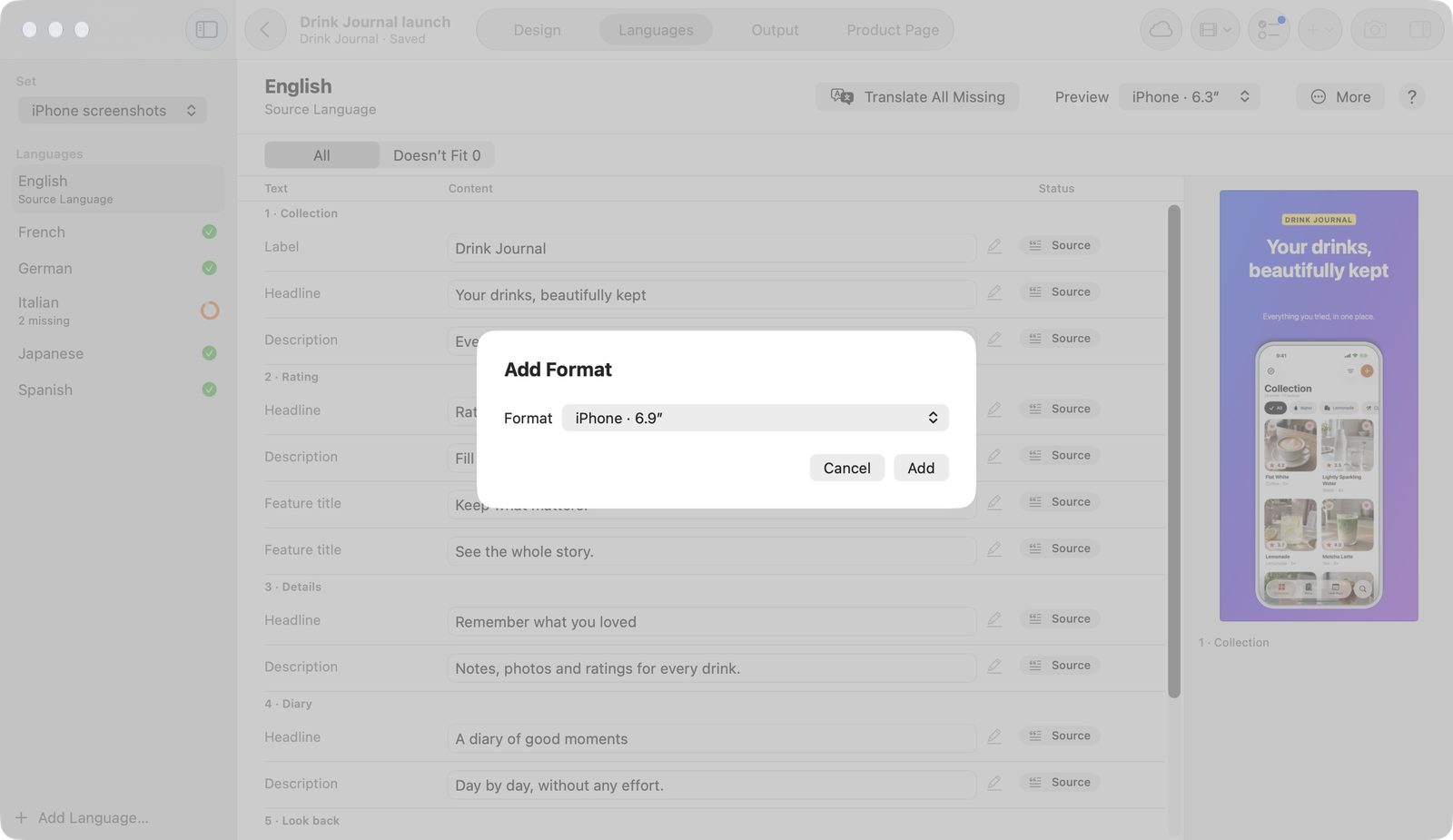
- Above the canvas, or in Languages under More, click Add Format….
- Choose the format. The sheet offers formats of the same kind and names Apple's requirement.
- Confirm. For a different page shape, the app rearranges the images.
Recompose for This Format in the Insert menu repeats the rearranging.
iPhone
| Format | Pixels (W × H) | Note in the app |
|---|---|---|
iPhone · 6.9″ | 1260 × 2736 | – |
iPhone · 6.3″ | 1206 × 2622 | Required for iPhone apps |
iPhone · 6.5″ | 1284 × 2778 | – |
iPhone · 5.5″ | 1242 × 2208 | – |
iPhone Duo · Outer Display | 1398 × 2034 | From April 2027 for apps built with the iOS 27.1 SDK |
iPhone Duo · Inner Display | 2007 × 2853 | From April 2027 for apps built with the iOS 27.1 SDK |
iPad App Store screenshots size
| Format | Pixels (W × H) | Note in the app |
|---|---|---|
iPad · 13″ Portrait | 2064 × 2752 | Required for iPad apps |
iPad · 13″ Landscape | 2752 × 2064 | Required for iPad apps |
Mac App Store screenshot size
For the Mac App Store, Pitching Set exports screenshots at 2880 × 1800 pixels. According to Apple, 1280 × 800, 1440 × 900, 2560 × 1600, and 2880 × 1800 pixels are allowed, each 16:10 (checked November 6, 2026).
| Format | Pixels (W × H) | Note in the app |
|---|---|---|
Mac · 16:10 | 2880 × 1800 | Required for Mac apps |
Apple Watch, Apple TV, and Vision Pro
| Format | Pixels (W × H) | Note in the app |
|---|---|---|
Apple Watch · Ultra 4/3 | 422 × 514 | Required for Watch apps, same size in every language |
Apple Watch · Series 12/11/10 | 416 × 496 | as above |
Apple Watch · Series 9/8/7 | 396 × 484 | as above |
Apple TV · 4K | 3840 × 2160 | Required for Apple TV apps |
Apple Vision Pro | 3840 × 2160 | Required for Apple Vision Pro apps |
The Watch uses the borderless Watch Screen template; TV and Vision Pro use Full Screen.
Headers and In-App Events
| Format | Pixels (W × H) |
|---|---|
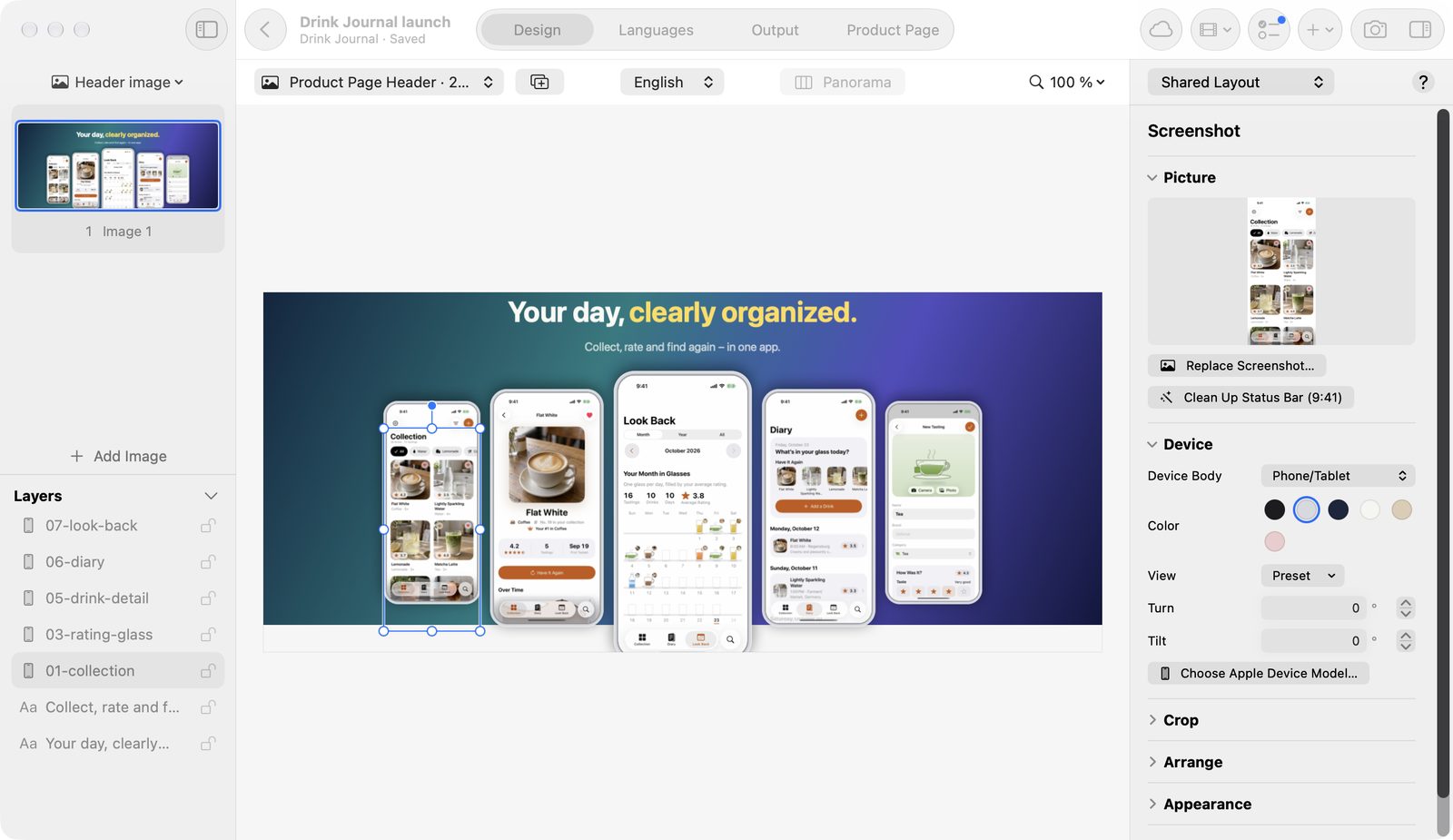
Product Page Header · 21:9 | 3840 × 1646 |
Search Result · 3:2 | 3840 × 2560 |
Header & Search · 16:9 | 5244 × 2950 |
In-App Event · Card | 3840 × 2160 |
In-App Event · Details | 2160 × 3840 |
In-App Event images are export only.
For the product page header and the search result, the app sends the first image per language to App Store Connect. Header & Search · 16:9 fills free slots there.
According to the app, header and search images show on iOS and iPadOS 27 and later. Creative Asset Specifications in the Help menu leads to Apple's details.
Launch and social
| Format | Pixels (W × H) | Note in the app |
|---|---|---|
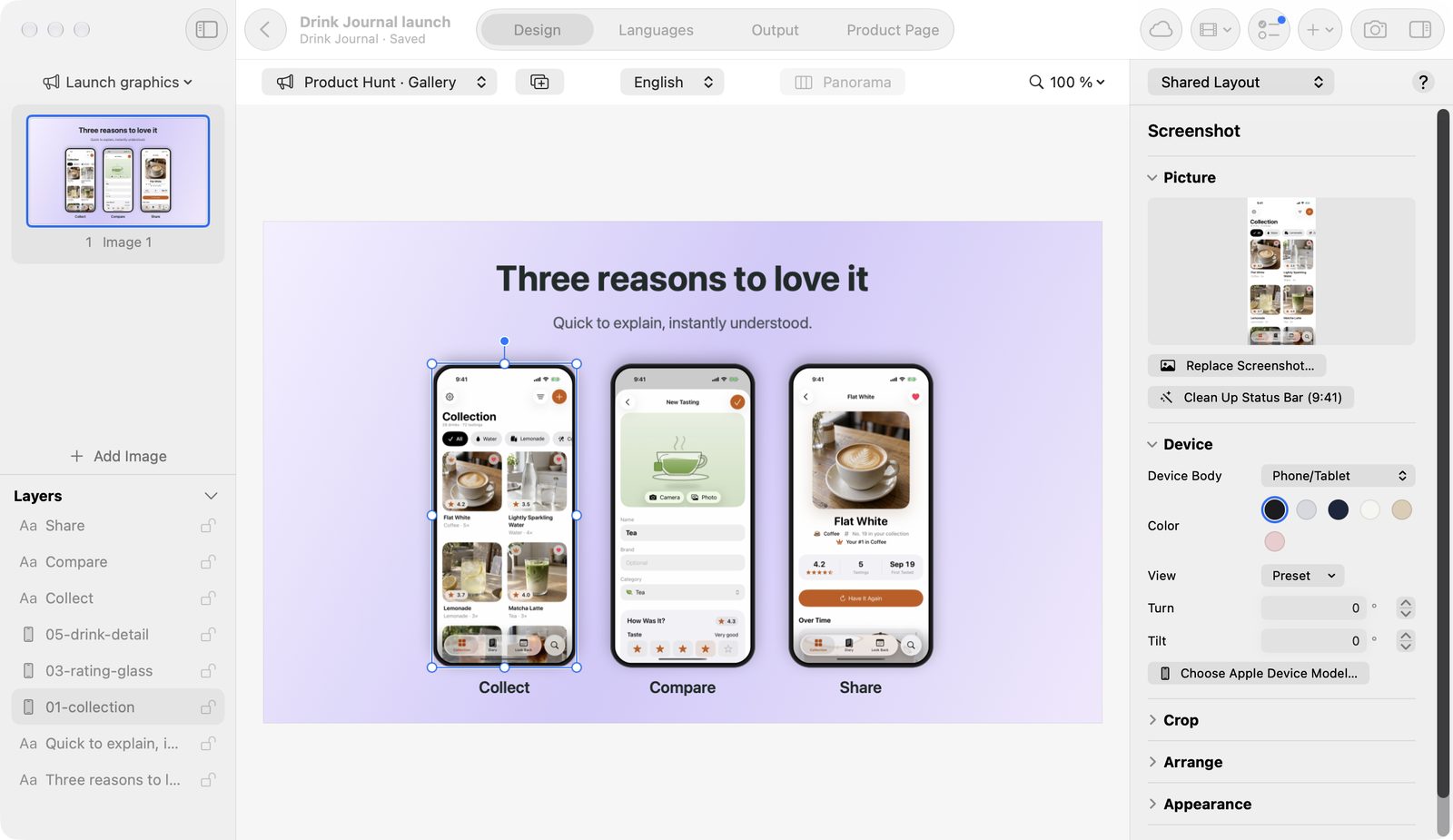
Product Hunt · Gallery | 1270 × 760 | Common size. Check on Product Hunt before launch. |
Product Hunt · Logo | 240 × 240 | as above |
Link Preview · 1200 × 630 | 1200 × 630 | Open Graph preview for links |
Social · 16:9 | 1600 × 900 | – |
Social · Square | 1080 × 1080 | – |
Social · Story 9:16 | 1080 × 1920 | Keep key content away from the top and bottom edges |
Other stores
| Format | Pixels (W × H) | Note in the app |
|---|---|---|
Phone · 9:16 | 1080 × 1920 | Text at most 20 % of the image |
Banner · 1024 × 500 | 1024 × 500 | Wide banner · no transparency |
These formats leave the app only as PNG without transparency. They use the app's own device body, never an Apple frame, and no 9:41. Banner · 1024 × 500 offers only Big Claim, Launch Hero, and Three Highlights.
Ratings, rankings, and prices don't belong in the image.
Look up Apple's specifications
The Help menu contains App Store Image Specifications and Creative Asset Specifications. Both open Apple's pages so you can check the current state.
Free and Pro
These five formats are free in the source language: iPhone · 6.9″, iPhone · 6.3″, iPad · 13″ Portrait, iPad · 13″ Landscape, and Mac · 16:10.
You can add and design the other 22 formats for free. Exporting and copying them needs Pro.